 1
4:36
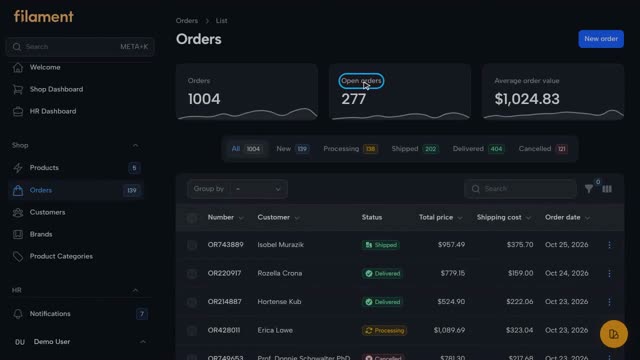
Managing Orders in the Filament Demo Shop
A tour of the Orders page: summary cards, status tabs, sorting and search, the two-step new order wizard, and the page of an existing order.
 2
3:21
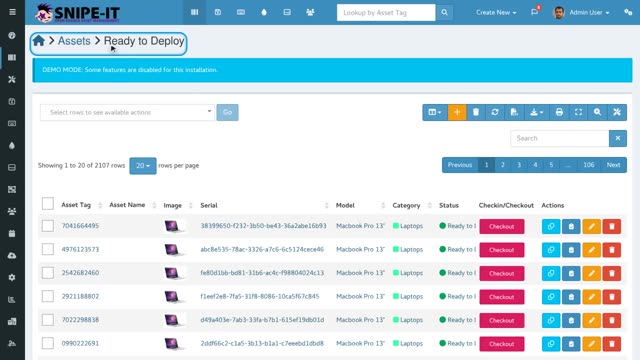
How to Check Out an Asset to a User in Snipe-IT
Find an asset that is ready to deploy, assign it to a user with the checkout form, add dates and notes, and confirm the handover.
 3
3:16
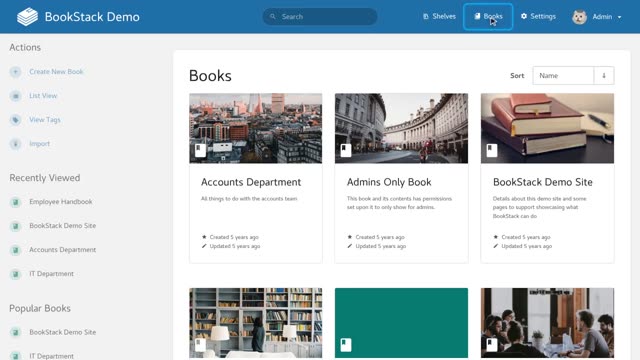
How to Create Your First Book and Page in BookStack
Learn how BookStack organises content, create a new book, and write and save your first page with the built-in editor.
 4
3:11
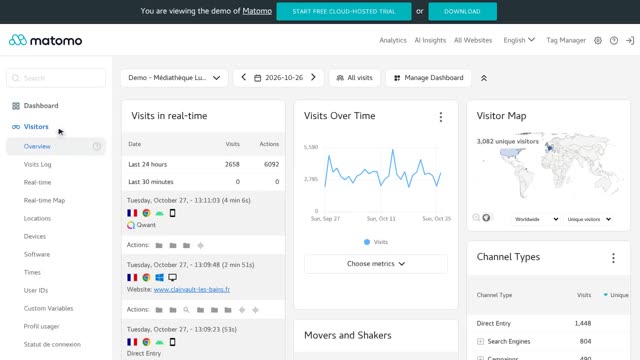
How to Read Your Website Traffic in Matomo
A tour of Matomo's key reports: visits over time, the visits overview, the date selector, the visits log, visitor locations, and acquisition channels.
 5
1:20
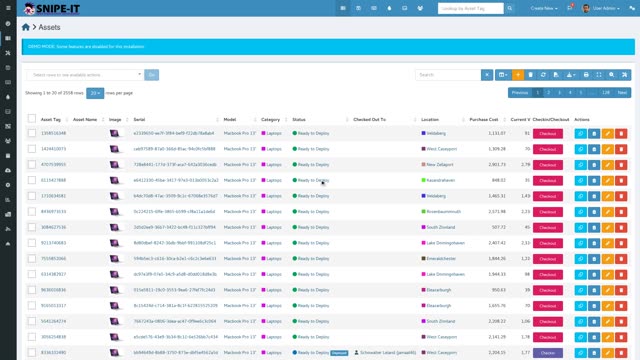
How to Track and Reassign Deployed Laptops in Snipe-IT
Learn how to view deployed laptops, check who holds each device, perform a checkin with notes, and reassign the laptop to a new team member.
 6
1:40
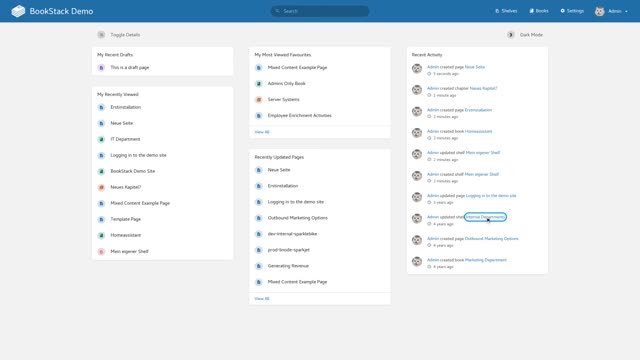
Exploring Knowledge Organisation in BookStack
Learn how documentation is organised and managed in BookStack using shelves, books, chapters, and versioned pages.
 7
1:46
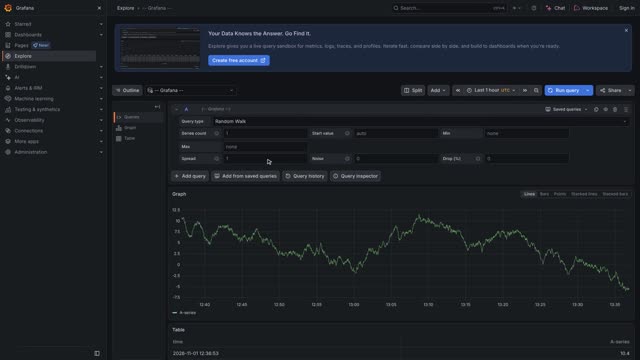
Exploring Grafana Play Features and Interactive Navigation
Discover how to navigate Grafana Play, run live queries in Explore, search dashboard folders, and adjust layout settings smoothly without needing an account.
 8
2:33
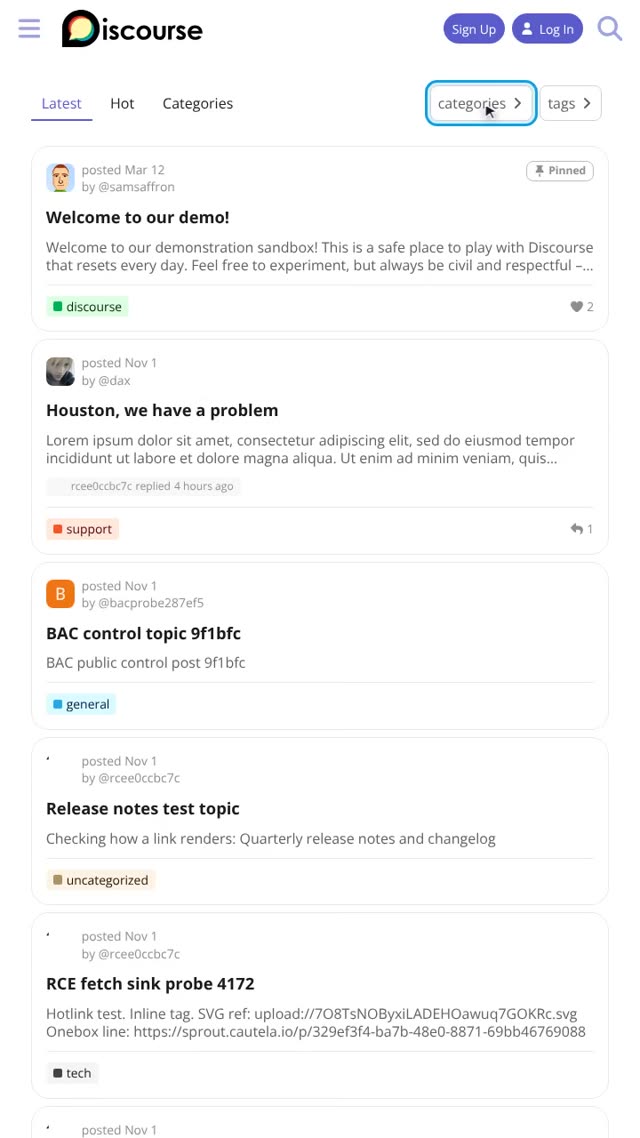
Exploring Discourse: Core Features and Community Tools
A comprehensive guide to Discourse showing topic discovery, search, sidebar navigation, plugin integrations, post revisions, and community features.
 9
1:39
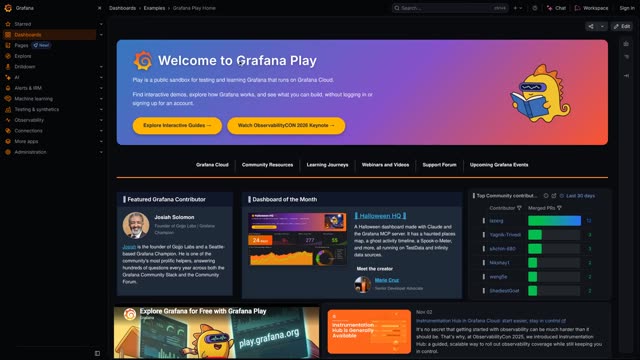
Investigating Production Spikes: From Dashboard to Query
Learn how to navigate Grafana dashboards, use time range settings, inspect community contributors, and explore example dashboards.
Bu sayfadaki her ders otomatik olarak üretildi — kısa bir açıklamadan seslendirilmiş ve altyazılı videoya, ekran kaydı olmadan.